Your Best Assistant for Layout and Print
Download Photo Pages to create and export professional layouts directly on your iPhone


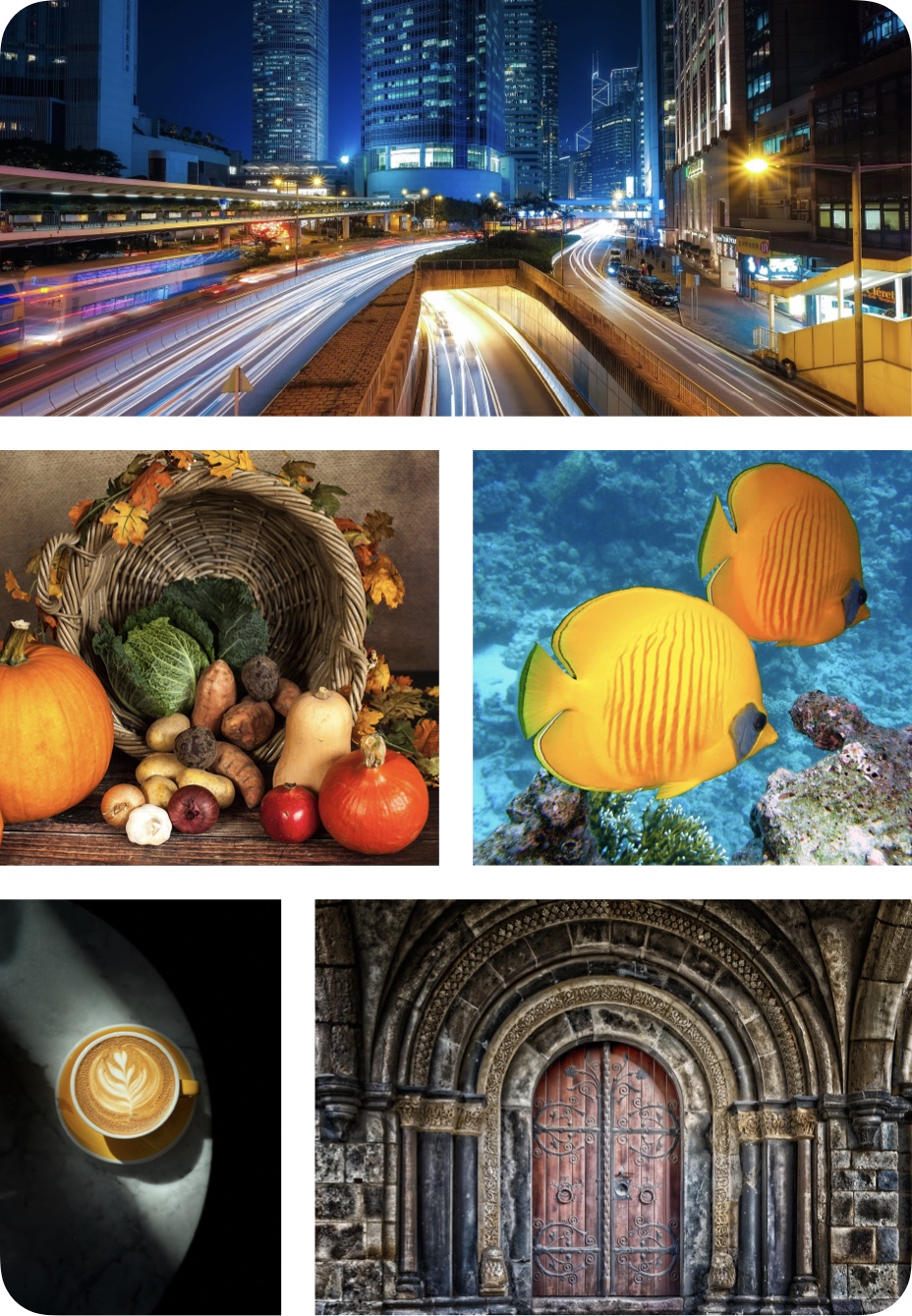
Download Photo Pages to create and export professional layouts directly on your iPhone
The app provides everything you need to organize and arrange multiple photos on pages — using automatic or manual layouts — and AirPrint or share results as high-resolution PDFs and image files.
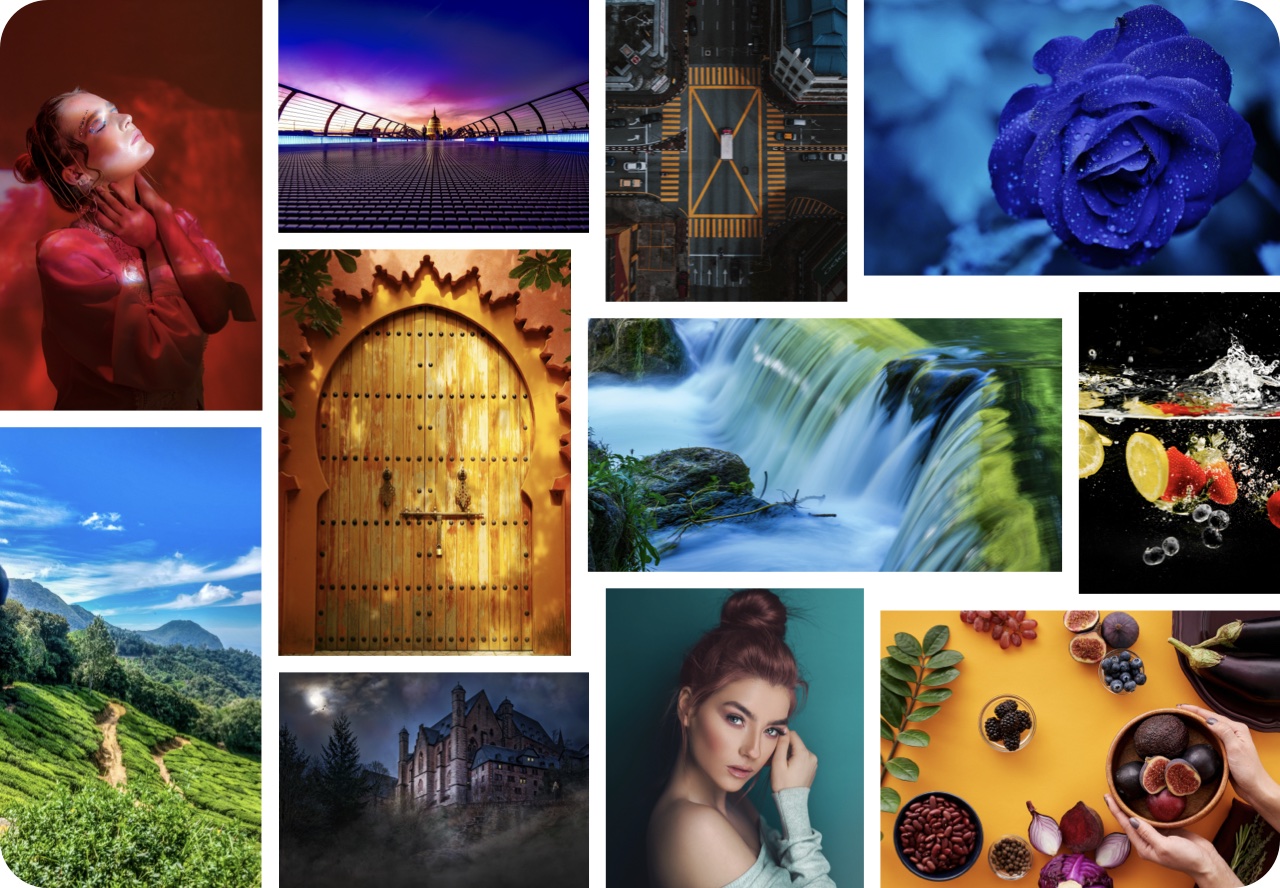
Discover the ease of automatic photo arrangement and positioning, saving your time and ensuring optimal layout results.
Explore three distinct levels of in-app content editing:
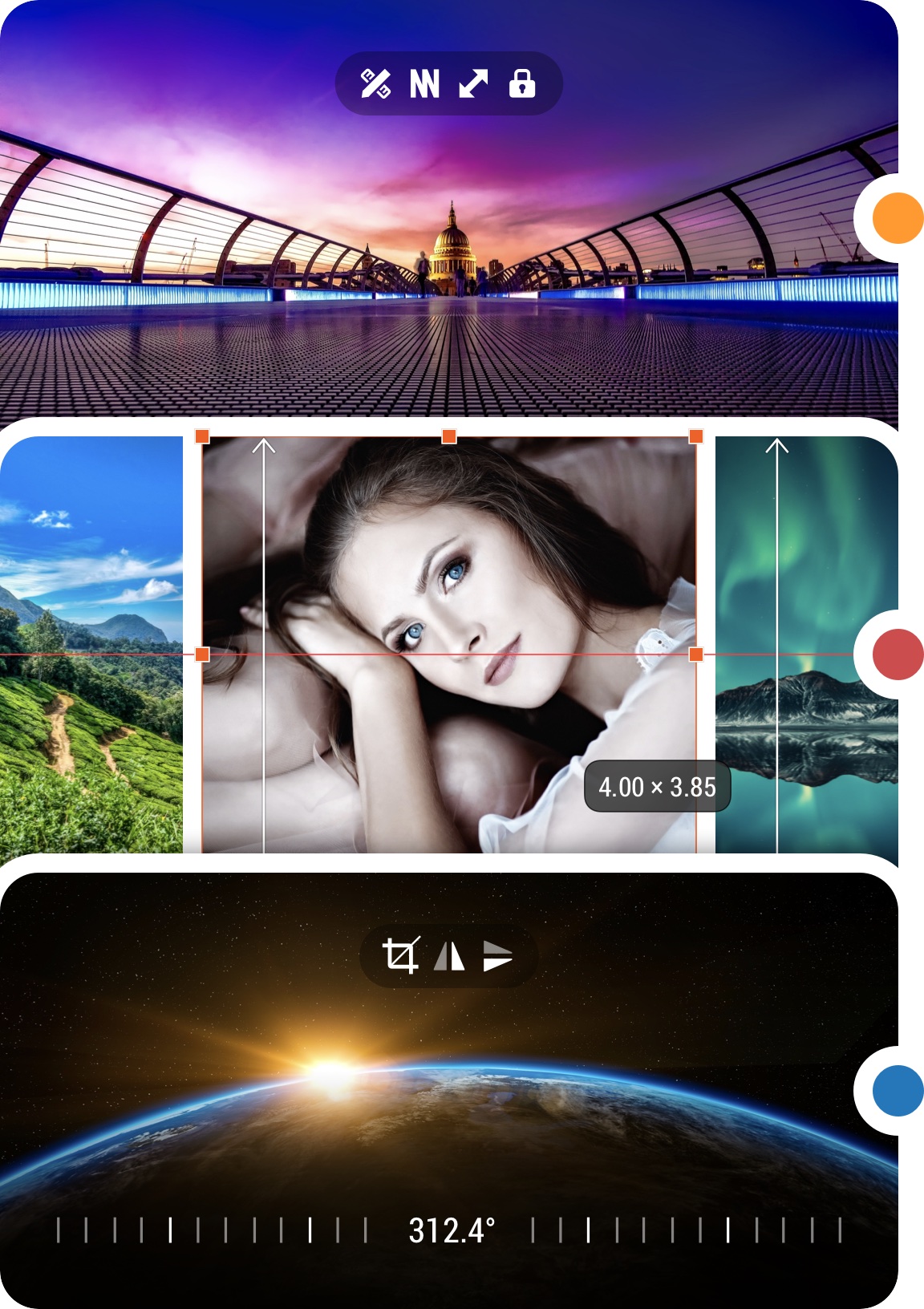
Streamline your workflow by applying the proper settings at the right moment:
Use Global settings when you need to apply the same adjustments to all photos and pages. Use Individual settings when you need to make changes to a single photo or page.
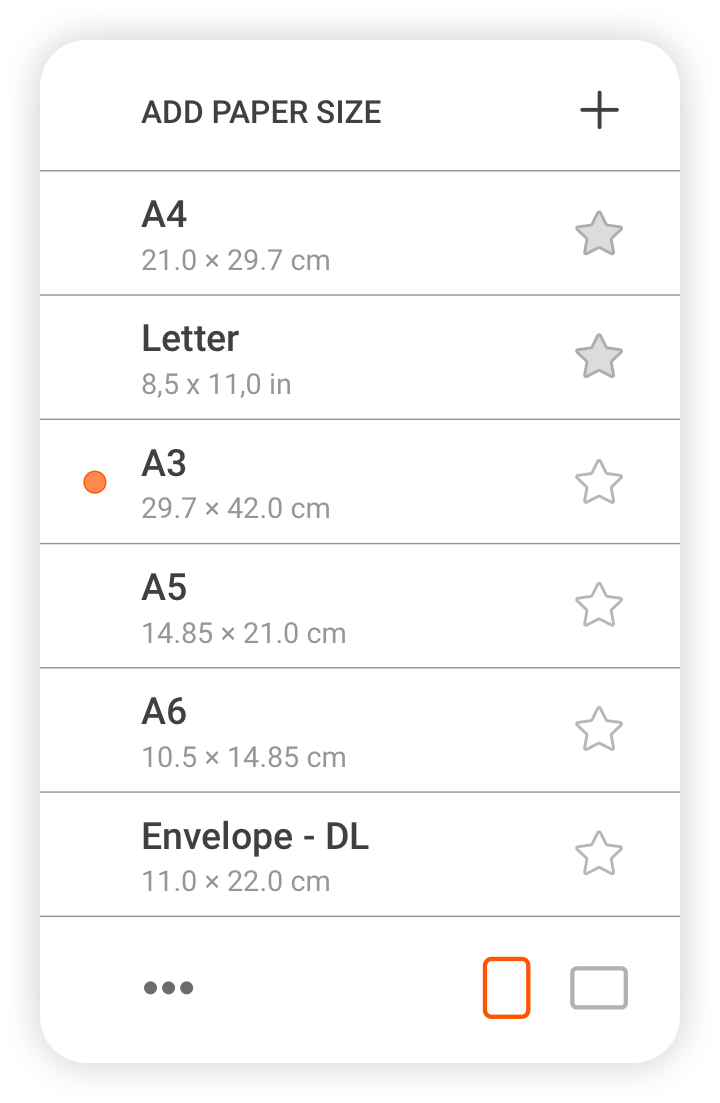
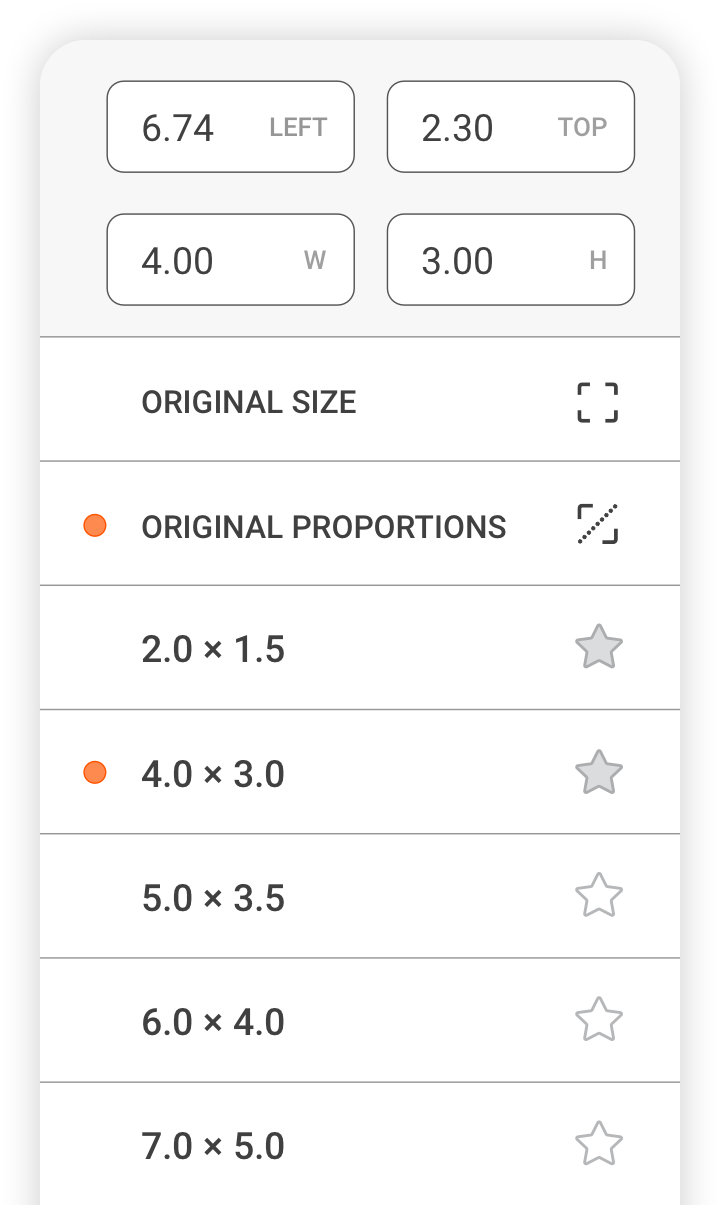
The app offers both options for most settings, like page size, margins, photo size, de-squeeze, etc.

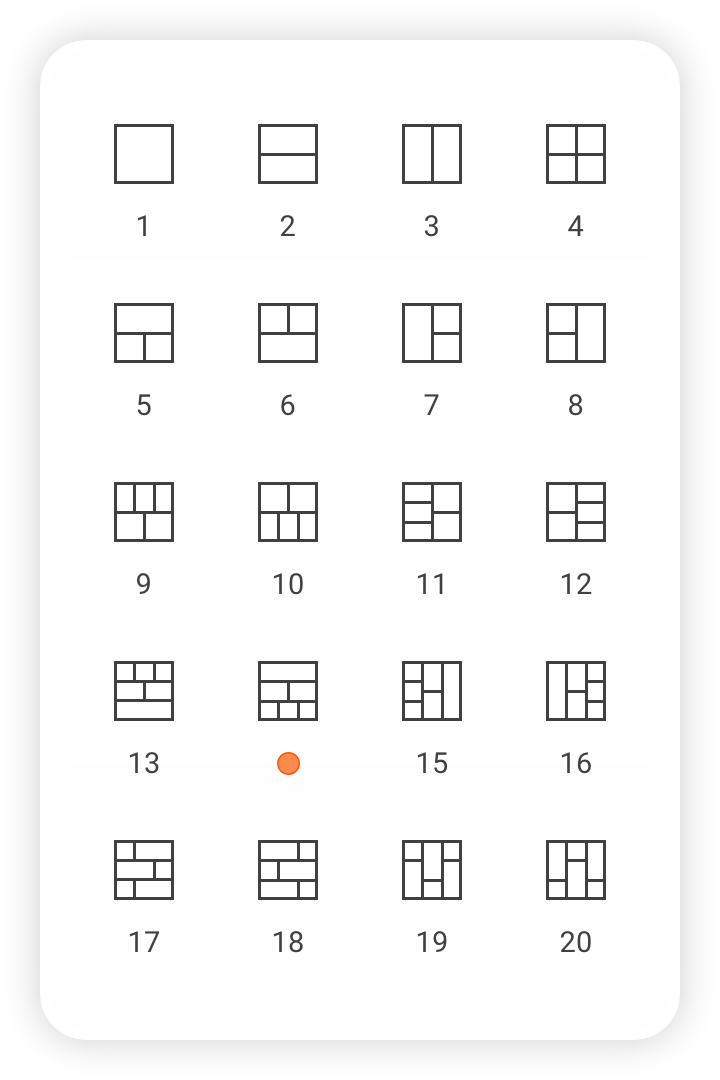
Choose the most suitable collage from a diverse collection of commonly used templates when Collage layout mode is selected.
Edit selected collage pages to make them truly unique and outstanding by using collage-specific tools, including resize, split, merge, swap, and more.
Create, modify, and switch between an unlimited number of in-app projects to organize your photos for specific tasks, making them easily accessible for editing and printing.




Creating with Photo Pages is easy. Follow these simple steps to begin your first project and discover the app’s powerful layout features.
Get Started